JACKZER

A JACKZER Guide

How I setup
my FFB.

This is the checklist I use, one slider at a time, on any wheelbase. The goal isn't to find correct settings, because there's no such thing. The goal is to stop running someone else's preset and start fixing the problems your wheel is actually showing you.

11 min readHardwareAny wheelbase

Start here

Settings are about fixing problems,
not adding things.

Most people get a wheelbase, throw on the day-one preset, and then spend years adapting their driving style to settings they never actually chose. Set and forget, except no one set anything. They got lucky on a lucky pick and hung on to it.

If that's your setup and it's working for you, fair play, you might have misclicked the video this article is built on. If you've been fighting the wheel for low-hanging-fruit reasons, this is the checklist.

The framing that helped me most. Force feedback isn't a thing you crank up. It's a conversation you're trying to hear clearly. Your hands are ears. Every slider in your wheelbase software either helps you hear the car or gets in the way. Keep the helpful ones, turn down the rest.

Don't look for the best settings. Look for the problem you're trying to fix.

The three things to remember

  • 01

    Your hands are ears

    Force feedback is a conversation. The wheel talks, you listen. Everything past that is volume control.

  • 02

    Fix problems, don't add things

    Each slider is the answer to a specific symptom. If nothing's broken, don't reach for it.

  • 03

    There's no correct setting

    The pros' settings reward consistency you don't have yet. Build yours for the driver you are today.

Before you touch anything

Pin your wheelbase software on top of the sim.

The fastest way to actually learn what each slider does. Tweak, drive, feel, repeat.

  1. 01Install Microsoft PowerToys (free, from Microsoft).
  2. 02Open your wheelbase software. SIMAGIC Manager, Fanatec Control Panel, True Drive, whatever you use.
  3. 03With the wheelbase window focused, press Ctrl + Win + T. It now floats on top of the sim window.
  4. 04Jump in the sim, drive, tweak a setting, drive again. Damper and friction in particular you can feel before you even leave the pits.

The flow

The six sliders, in the order I touch them.

Each setting interacts with the next, which is why the order matters. Skip a step and you'll be chasing your tail by step six. Work top to bottom, drive between each one, give yourself time to feel the change before twisting another knob.

  1. 01

    Max force, your ceiling

    The ceiling. The maximum torque your wheelbase is allowed to produce, set in the wheelbase software. Most sims then ask you for an extra gain or FFB level on top of that.

    I leave mine maxed out. The whole base is allowed to use everything it has. The sim's own gain slider is where I shape the actual level I drive with. Some drivers prefer to lower the wheelbase max and push the sim gain up. Same outcome, different approach. The longer discussion of how much torque you actually want to use lives in the what's the right force feedback guide.

    Practical

    Set the wheelbase max where you want your absolute ceiling to sit. Don't worry about per-lap level yet. That's a sim-side decision, not a base-software one.

  2. 02

    Smoothing filter

    Without any smoothing, raw force feedback can come in like a saw-tooth. Direct drives are responsive enough to deliver every micro-spike, and not all of those spikes are information you can use. Some of them are just noise.

    A small amount of smoothing filter, level 1 or 2 on SIMAGIC, takes the scratchy edge off without flattening what the car is telling you. Higher than that and the wheel starts to feel muted, like you're wearing gloves underwater.

    Some folks love a feisty, raw wheel. I was that person for a while. Then I noticed my fastest, most consistent racing was happening on boring, smoothed settings. Boring FFB is fast FFB.

    Practical

    Start at level 1. Drive a stint. If the wheel still feels too chattery, try level 2. Past 3 and you're hiding information, not cleaning it.

  3. 03

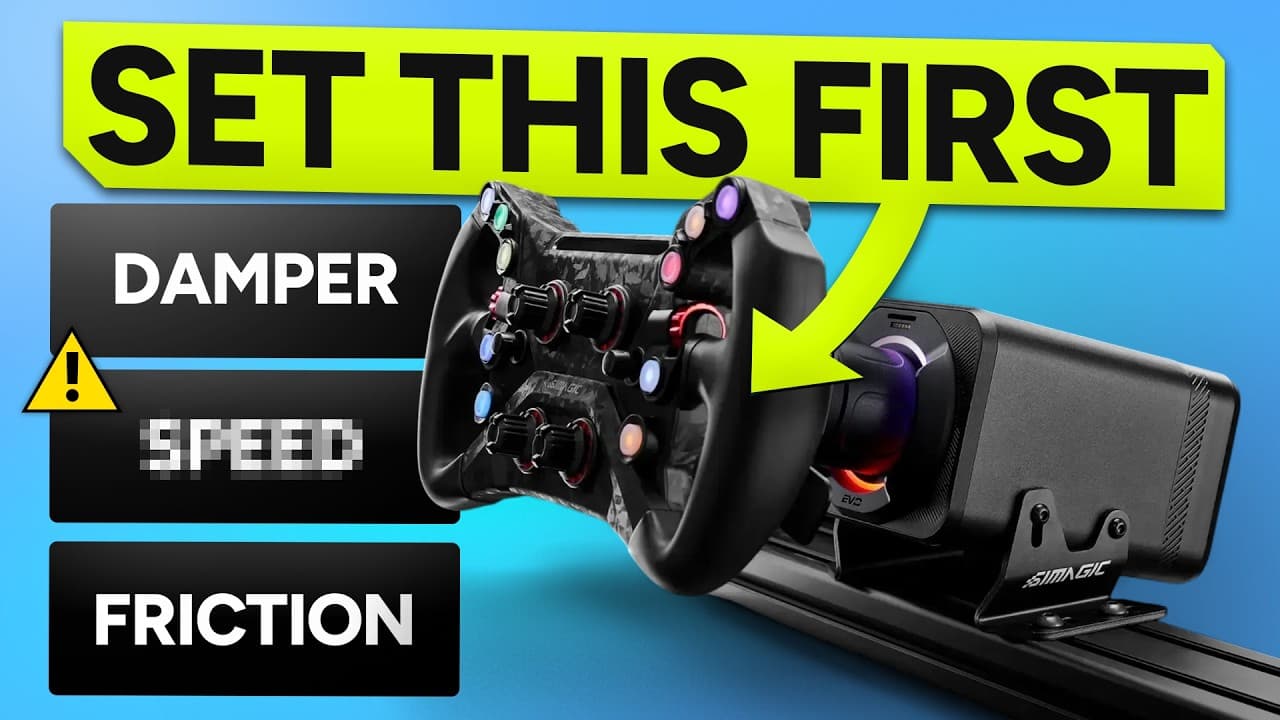
    The trio: damper, friction, inertia

    These three sit together in most wheelbase software for a reason. They're all about how the wheel resists you, just from different angles.

    Damper

    ~20%

    Like pulling your hand through water.

    Resistance that scales with how fast the wheel is moving. Adds weight and stay. The wheel holds shape through a corner instead of flopping.

    If I had to pick one of the three to keep, it's this. Everything else can sit at zero for a long time. Damper changes the feel of the wheel the most.

    Friction

    ~5-10%

    Like the tyres twisting on tarmac.

    A static drag that's there whether the wheel is moving or not. Adds texture. A small amount makes the wheel feel like it's pushing through grip instead of through air.

    Subtle on purpose. Past a small amount it just feels like the wheel is sticky. I sit around 5 to 10 per cent and forget about it.

    Inertia

    0%

    Like the wheel having its own momentum.

    Simulates the wheel wanting to keep going once you've moved it. Turn 90 degrees, the wheel peeks past to 91. Cheap extra turn-in if you like it.

    I don't use it. Adds a moving part to a stack that already has plenty. Easier to drive without, in my opinion.

    If you're new to a direct drive, the temptation is to leave all three at zero because you want it raw. I did, and I was wrong. A small bit of damper in particular makes the wheel feel like it belongs to a car, not to a robot.

    Practical

    Damper around 20 per cent, friction at 5 to 10, inertia at zero. Adjust from there. If the wheel feels light and willy-nilly mid-corner, lift damper before you touch anything else.

  4. 04

    Slew rate control

    Slew rate control limits how fast the force feedback output is allowed to change. It doesn't change grip, it doesn't change levels, it just clips the spike speed.

    The corner where this earns its keep is Imola's kerbs. On zero, hitting a kerb produces a vertical spike in force that yanks your hands. With slew rate at 20 to 40 per cent, the spike still happens, but the wheel can't deliver it fast enough to rip your wrists off the rim. You stay planted, and the corner stops being terrifying.

    Setup, line and throttle modulation also help with kerbs. But if your slew rate is wrong, those other fixes only get you so far.

    Hitting a kerb, FFB output over time

    Same kerb, two slew rate values

    Slew rate doesn't reduce the total force, it limits how fast the force is allowed to change. The peak still gets to you, just without the whip-crack delivery that throws your hands.

    Practical

    Start at 20 per cent. Drive a kerby track. If the wheel still bucks you, walk it up to 30 or 40. Past 50 you're flattening the wheel into mush, which isn't the goal.

  5. 05

    Wheel rotation speed

    The most contested slider on any base. Different wheelbases call it different things, but it's essentially the same idea, a master limit on how fast the wheel is allowed to move in your hands. On SIMAGIC it's called wheel rotation speed.

    At 100, the wheel feels feather-light and reacts instantly. To compensate you push sim gain up, and the whole thing starts feeling twitchy. At zero, the wheel feels weighted, almost overdamped, and you have to pull sim gain down to match. Both extremes are wrong for most people.

    I've been the guy who swore by 100. If I could grab past-Jacko by the throat I would. The middle of the road is the only honest starting point.

    Wheel rotation speed, what each end feels like

    0 - Heavy, dead50-60 - Where I live100 - Light, twitchy

    Lower numbers stack damper-like effects on top of the signal. Higher numbers let the wheel react faster but ask your hands to keep up. The middle is the only place that doesn't come with a built-in compromise.

    Practical

    Start at 50 to 60 per cent. In a GT3 I sit around 45, because I want a touch more weight. In a formula car I'll go higher, because the downforce loads the wheel up enough on its own.

  6. 06

    FFB details, the cherry on top

    The detail layer. Different bases call it different things, FFB details on SIMAGIC, telemetry FFB effects on Simucube, plain FFB detail elsewhere. The character varies between brands, but the role is similar. It's the slider that lets you feel the back of the car move, the road texture, the small load shifts that sit on top of the main signal.

    On SIMAGIC, the slider runs 0 to 20. At 20 you get a phenomenal sense of the rear of the car moving around. The downside is that any twitch on the back end now gets amplified, which is why I tend to live around 8 to 12 for racing and bump it up to 20 only for tracks I know cold.

    Practical

    Around 10 is a sane default. Higher for hot-lapping tracks you know inside out, lower if you find yourself getting surprised by mid-corner snaps that ruin clean laps.

The lookup

If your wheel does this, try that.

The whole article in one table. Bookmark it. When the wheel does something you don't like, find the row, try the fix, drive a stint, see if it's better.

  • Wheel feels floppy mid-corner

    Damper

    Add a touch of damper, 10 to 20 per cent. It adds weight and stay.

  • Scratchy, jittery, the base sounds like it might clatter itself apart

    Smoothing

    Add a small amount of smoothing filter. Level 1 or 2 is usually enough.

  • Hands fly off the wheel over kerbs

    Slew rate

    Slew rate control to 20 to 40 per cent. The spike gets clipped before it hits your wrists.

  • Can't feel the tyres twisting on the road

    Friction

    A very small amount of friction. Subtle texture, not a load.

  • Wheel feels light and over-eager

    Wheel rotation speed

    Lower wheel rotation speed. Move toward the middle, not the floor.

  • Wheel feels heavy and dead

    Wheel rotation speed

    Raise wheel rotation speed. Same rule, work from the middle.

  • Can't feel the rear of the car start to move

    FFB details

    Raise FFB details. Brings the back of the car into the wheel.

  • Mid-corner snap that ruins clean laps

    FFB details

    Lower FFB details. Too much detail amplifies twitches.

A warning

Don't copy a pro's settings.

The temptation is to find a pro driver's FFB settings, copy them word for word, and assume that if you can adapt to them, you'll be fast. It doesn't work that way.

These drivers could race with almost no force feedback. They have so much finesse and consistency that their settings are tuned for a driver who hits their marks every lap with millimetre precision. If that's you, brilliant, copy away.

Down here in mere-mortal land, those settings will punish every imprecise input you make. The wheel will feel cold and unforgiving, and you'll spend your stints fighting it rather than learning anything from it.

Set the wheel up for the driver you are now, not the one you want to be in three years.

The honest bit

You'll change all of this again in a month.

FFB settings aren't a destination. Firmware updates, physics model changes, new cars, new tracks, a year of muscle memory you didn't have last summer, all of it shifts what feels right. The whole stack is dynamic, and that's a feature, not a bug.

You'll find settings you love. A month later you'll try something new, fall in love with that, and at the end of the month go back to your old ones and realise the originals were better. That cycle never stops. The reward is that two or three years in, you stop being afraid of the panel. You see the sliders and know exactly what each one is doing and which one to reach for. That's the whole point of this article.

Be open-minded. If you're going to test new settings just to prove they're worse than yours, they will be. Drive them like you've hopped into someone else's sim. Then decide.

A note on the bigger picture

Settings only matter once the level is right.

This guide walks the panel. It doesn't answer the bigger question, how much force feedback you should actually be running in the first place. That one depends on your strength, your wheelbase, your rig, the cars you race, and how long your stints are.

If you haven't nailed the macro yet, sort that before you start touching individual sliders. The other FFB guide is the place to start.

My current SIMAGIC settings, roughly

  • Max force
    100
  • Smoothing
    12
  • Damper
    22
  • Friction
    8
  • Slew rate
    28
  • WRS
    55
  • FFB details
    50

Snapshot, not a prescription. These shift every few months.

Keep going

Related guides, gear and the video version.

Everything below is something I personally use or wrote. Affiliate links are marked the same way they are everywhere else on the site.

Gear that matters here

SIMAGIC logo

SIMAGIC

The full SIMAGIC bundle deal. Direct-drive base, wheel and pedals at the lowest price of the year.

GLOBALDirect Buy
Ascher Racing logo

Ascher Racing

German-engineered wheels with proper switchgear and quality housings. Featured: the Ascher Artua Ultimate.

GLOBALDirect Buy
Trophi.ai logo

Trophi.ai

Real-time coaching and post-session analysis for every level of simracer.

VisitDirect Buy
GO Setups & GO Fast logo

GO Setups & GO Fast

Pro setups plus the GO Fast telemetry app. Race engineer in your pocket.

GLOBALDirect Buy

Watch the video version

All videos on YouTube

How I setup my FFB

The original video this article was built from.

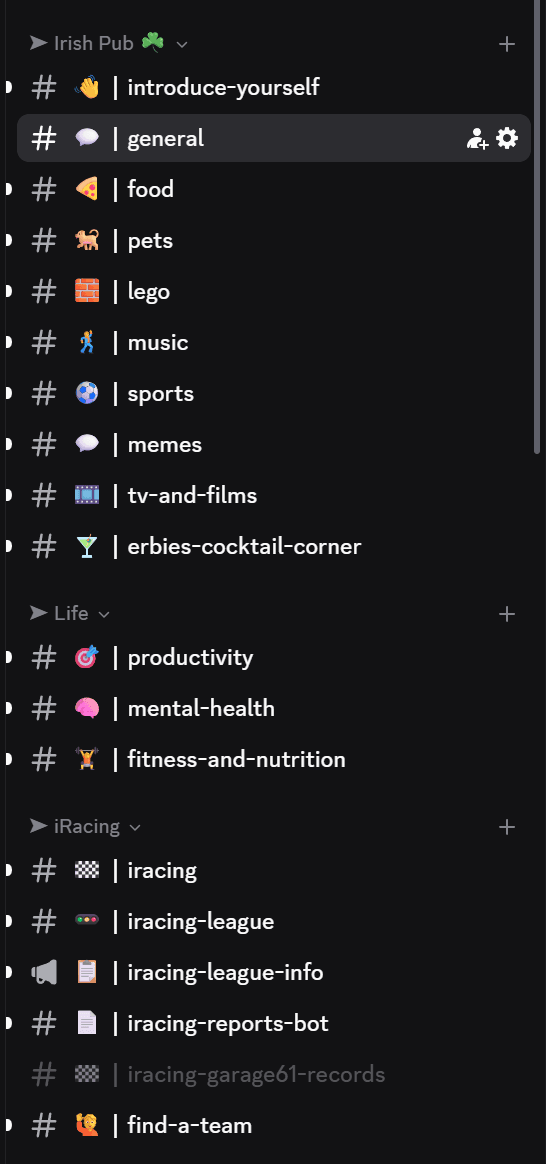
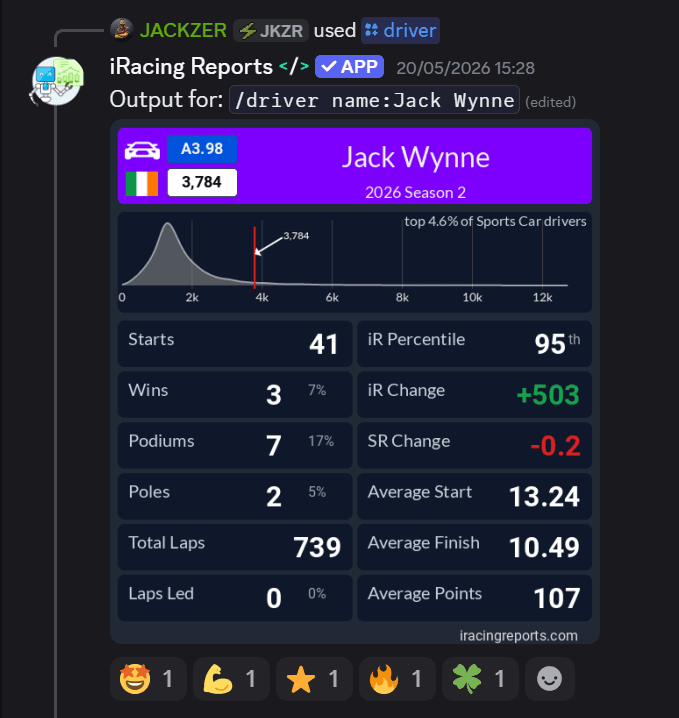
Join our Irish Pub Community Discord with over 3.4K members.

The Irish Pub would love to have you, we've league races on Thursdays and the craic is mighty. Can't wait to see you there.

A peek at the JACKZER Discord channel list
JACKZER showing the SIMAGIC Zeus to a young racer

Channel partners