JACKZER

A JACKZER Guide

How to get started on iRacing,
the friendly way.

iRacing looks like a lot on day one. For about an hour, it is. After that the menus stop being a maze, the licence system makes sense, and you're out racing. Here's the walkthrough I'd give a friend sitting next to me, the stuff that took me months to figure out on my own.

14 min readSoftwareBeginner

Start here

Pretend I'm sat next to you.

iRacing isn't complicated, it's unfamiliar. Very different problems. Most of the intimidating bits are menus that exist to give you control, not gates designed to keep you out.

This is the same lap of the platform I'd do with a mate on the couch. Hardware, then the homepage, then the licence system, then setting the sim up properly, then your first race. By the end you'll know enough to push the green button.

You won't be a rookie for long. Enjoy it while you are.

Your first hour

  • 5 minSubscribe direct, install, load the UI.
  • 10 minCalibrate the wheel and pedals.
  • 15 minRun a Test Drive lap of the rookie series.
  • 10 minAuto-button the FFB, set assists.
  • 20 minFirst race. Finish clean, no podium needed.

Rough pacing for an absolute first session. Slower is fine.

Before you click subscribe

What you need, where to buy, and when.

You don't need fancy gear and you don't need a huge budget. You do need to subscribe at the right moment of the year if you want to save real money over time.

Hardware

A wheel and pedals do the job

A decent PC, a wheel, a set of pedals. A secondhand Logitech G29 or G920 for under $150 will get you racing this evening. Check the cable for wear, plug it in, you're good. A controller works if you just want to feel the platform out, although you'll outgrow it fast.

Where

Subscribe direct, not Steam

Subscribe through iRacing's own site rather than Steam. Avoids the occasional update conflict and makes managing your account a lot less finicky. There's no benefit to the Steam route.

When

Black Friday is the day

iRacing's biggest sale of the year is Black Friday. The discount stacks on top of an existing membership, so buying a year in November pushes your renewal date out further. Hardcore members treat it the way most people treat car insurance, a fixed date in the calendar.

One more route a lot of beginners miss. National motorsport authorities like Motorsport UK offer heavily discounted, or even free, iRacing subscriptions as part of their membership. If you're new and you want the cheapest path in, that's worth ten minutes of Googling your local FIA-affiliated club. There's a full breakdown of that in the cost guide.

Also worth knowing, iRacing comes with around 31 cars and 27 tracks already in your garage. You don't have to buy anything else to start racing. Don't let the prospect of extra content scare you off.

Bolt-ons

Five things that quietly make iRacing better.

None of these are required to race. They make life a lot easier once you're a few sessions in.

  • Trading Paints

    Free

    Free site that shows every other driver's custom livery in your sessions. Looks the part instantly.

  • Race Labs overlays

    Paid

    On-screen race info, relative, fuel calculator, the lot. My choice for spotter-style blind spot indicators.

  • Go Setups

    Paid

    Setups that actually feel drivable. Test, tweak, learn what a balanced car feels like.

  • iRacing mobile app

    Free

    Knows when your favourite series is on, pings you before registration closes.

  • A Discord community

    Free

    The Irish Pub is mine, others are great too. Racing is more fun and you learn ten times faster with people around.

The homepage

The UI is loud. You only need a few buttons.

I've lived in iRacing's menus for years. You can ignore most of them as a beginner. These are the only tabs I'd touch in your first month.

On the left, the tabs that matter are Official, Hosted and AI Single Player. Official is where ranked races happen. Hosted is custom servers where someone's thrown up a practice or fun session, unranked but rules still apply. AI Single Player is completely unranked AI wheel-to-wheel, brilliant for first exposure.

At the top, you'll see the current season and week. iRacing runs in 12 week seasons followed by a fun “week 13” where they test stuff. Then a new season starts. Your favourite series resets and refreshes alongside it.

In your profile chip you'll see three numbers, licence class, Safety Rating and iRating. That's the whole game and we'll cover what they mean next. Ignore TT Rating. You don't need it.

Inside Official, switch to list view and set the filter to eligible. That hides everything you can't race and stops the screen from overwhelming you. Toggle dark theme while you're there. It's much easier on the eyes.

The most important lesson

Safety Rating versus iRating.

If you only remember one thing from this article, make it this. Speed follows safety, not the other way round.

Safety Rating

A score of how clean a driver you are. Stay on track, don't spin, don't hit other cars and it climbs naturally.

Lose it by going off, touching grass, spinning, or making contact. Each incident chips a little away.

As a rookie, this is the only number that matters. Promotion up through D, C, B and A class is purely based on Safety Rating, not pace.

iRating

An ELO-style skill score. Beat people above your level and you gain a lot. Lose to people below your level and you lose a lot. Beating people the same level as you tends to cancel out.

You don't need to chase this. The funny thing is, drivers who focus on Safety Rating tend to gain iRating anyway, because they stop throwing away time in the grass and finish more races.

Focus on safety. iRating sorts itself out.

The licence ladder

  • 01

    Rookie

    Where everyone starts

    Mazda MX-5, BMW M2, GR86, the welcome series.

  • 02

    D-Class

    First real promotion

    Most production cars open up. Safety becomes muscle memory.

  • 03

    C-Class

    The mid tier

    GT4s, single-seaters, more serious series.

  • 04

    B-Class

    Where most committed racers live

    GT3 majors, prototypes, the bulk of competitive splits.

  • 05

    A-Class

    Top tier discipline

    Top-flight cars and series. The clean drivers' room.

Promotion through the ladder is gated by Safety Rating, not by pace. Clean drivers climb. Fast-but-messy drivers don't.

The three buttons

Race, Practice, Test Drive.

Click into any series and you'll see three ways to get on track. They look similar. They're very different.

Race

Ranked. Counts.

Affects Safety Rating and iRating. Register, wait for the clock, get pulled into the race server when it starts. Withdraw before the clock hits zero or you forfeit and lose iR.

Practice

Unranked. Practice with others.

Open practice sessions for the same series. You can run wheel-to-wheel, try moves, learn the track with traffic. Rules still apply, be kind to others.

Test Drive

Solo. No risk.

Hidden under 'More ways to race', this loads the exact car, track and conditions of the upcoming race. Perfect for dialling in pace before stepping into traffic.

The trick a lot of beginners miss is Test Drive from inside the series page. Press “More ways to race”, then Test Drive. iRacing loads you onto the exact car, track and conditions the next race is using. Same temperature, same time of day. You can lap as much as you want with zero pressure, and it lines up perfectly with the official session you'll register for after.

You can also Test Drive next week's tracks from the Schedule tab. Massive feature, almost nobody knows it's there.

When you register for a race, the green button puts you in a practice server until the race starts. A “Join Race” button appears between Settings and Quit when it's time. Press it and you're in.

First-time setup

Configure once, race forever.

The first time you go in-sim, head to Test Drive. From there we'll calibrate the wheel and set the handful of settings that genuinely matter.

01

Calibrate the wheel and pedals

In Settings, run through Configure Controls. Turn the wheel fully one way, fully the other, return to centre as accurately as you can. Press throttle to the floor, lift fully without resting your foot.

For the brake, press as hard as the sensor allows then lift to where your foot naturally rests. That creates a small dead zone so a resting foot doesn't cost you straight line speed.

02

Bind the exit / tow button

Non-optional. Bind the Exit / Enter / Tow car button somewhere on your wheel, but not under your thumb where you might fire it by accident. It's how you get yourself back to the pits after a wreck.

03

Max brake range to 80 per cent

Most iRacing cars want to brake at around 80 per cent. Cap your maximum brake range to 80 in settings and you won't lock up no matter how hard you mash the pedal. Brilliant for the wet and brilliant for anyone still building brake control.

04

Sensible assists

Auto pit speed limiter on, auto blip on, driving line on, pit exit line on. If you find yourself spinning at corner exit in a formula car, brake assist or throttle assist will save you while you're learning.

05

In-car view, FOV and chassis

Set your FOV so the world feels natural to you, not strictly mathematically correct. A slightly wider FOV keeps you safer in traffic. Roll chassis around 90 per cent, pitch chassis 100, neck motion off. Stops the cockpit from feeling either sterile or seasick.

06

Audio, with tyres a bit louder

Lower the engine, raise the tyres. Without a motion rig, tyre sound is your best signal of when grip is about to let go. Make sure your audio output is actually set, iRacing occasionally resets it to disconnected after an update.

Force feedback

Set it once, calibrate it on track.

In Settings, turn force feedback on, set it to Linear, enter your wheelbase's torque rating in Newton metres exactly as the manufacturer states. Leave the intensity slider somewhere around 50 per cent to start.

Out on track, drive two or three laps to get tyres up to temperature. Then press the Auto button in the in-sim FFB panel. iRacing calibrates a good baseline based on the loads it saw. If it feels heavy, lower the intensity slider 5 to 10 per cent at a time. If it feels weak, raise it.

Press F on the keyboard to bring up the clipping meter. Green is good. Red means the wheel has run out of room to talk and you're losing detail right when you need it. Lower the FFB until red disappears in your hardest corners.

Your hands are a listening device. The wheel should be having a conversation with you, not shouting at you.

If you want to go deeper, the full philosophy lives in the force feedback guide, and the slider-by-slider checklist is in how I setup my FFB.

The FFB starting checklist

  • 1.Linear mode on, true Newton metre rating of your wheelbase entered in settings.
  • 2.Intensity slider at around 50 per cent to start.
  • 3.Drive 2 to 3 warm-up laps, then press the in-sim FFB Auto button.
  • 4.Press Fon the keyboard, check the clipping meter, lower intensity if you're hitting red.

Listen, don't flex. Start lighter than you think.

In-sim controls

The four wheel bindings every iRacer needs.

These four buttons make the difference between fumbling and flowing. Bind them once and never think about them again.

  • Next black box

    Cycles forward through the in-sim info panels. Fuel, tyres, repair, weather, the lot.

    A right-hand paddle or rotary on the wheel.

  • Previous black box

    Cycles back through the same panels. Pair with Next.

    A left-hand paddle or the same rotary going the other way.

  • Relative

    Pops up the panel showing who's right ahead and right behind, in seconds. Glance and you know if you have time to recover off-track.

    Near your right thumb. You want this instant.

  • Spotter damage report

    Tells you if you've got wheel damage, aero damage, or got away with it. Press after every bang.

    Anywhere comfortable on the wheel.

When the race starts

Incidents, fast repair, and how to recover.

You will have incidents. Everyone does. Knowing what each one costs you, and how to recover when something goes wrong, is most of what separates a good rookie from a frustrated one.

  • 0x

    Soft touch

    A gentle rub on another car.

  • 1x

    Off track

    Both wheels in the grass or wide of a kerb.

  • 2x

    Loss of control

    A spin, even a small one.

  • 4x

    Hard contact

    A proper hit on another car. Both drivers get it. iRacing doesn't care who was at fault.

Hit 17 points in a race and you're out. Most rookie races are won by the driver who survives, not the fastest one.

Fast repair

Turn fuelling off at race start

At lights out, open the fuel black box, switch fuelling off and switch fast repair on. Rookie races are short, you do not need a stop. If something goes wrong and you do come in, fast repair is instantaneous as long as you're not also taking fuel or tyres.

If the car is wrecked

Hold your tow button

Press and hold the Exit / Enter / Tow button you bound earlier. iRacing will tow you back to the pits, no walking out, no rage quitting. Wait a minute, get repaired, finish the race. Finishing low and clean is worth far more than rage-quitting on lap two.

The spotter damage report button is the other one I'd call essential. Bind it, press it whenever you've had a bang. iRacing will tell you whether you have wheel damage, aero damage, or nothing at all. Saves you driving five corners wondering why the car feels off.

Pit speed limit is enforced from the cones. Cross the cones at exit and you can go full power. Do not cross the solid white line on the way out, that's a penalty.

Mindset

You against the track. Nothing more.

If your legs are shaking on the grid, good. That means you've found something that matters to you. Lean into it.

I meet plenty of people who've been on iRacing two months and are still too nervous for a first race. I get it. Those nerves are a beautiful sign the hobby has hooked you. They're not a problem, they're evidence.

The only way through them is exposure. Test drive, open practice, AI session, then race. Don't wait forever. Everyone you're scared to share a track with was a rookie once too.

At the start, forget the other cars. You're racing yourself and the track. Brake straight, ease in, wait, be patient on the way out. Repeat. The lap times come, and the other cars become scenery you don't hit.

Lick the stamp, send it, and enjoy being a rookie. You won't be one for long.

If this side of the sport pulls you in, the longer conversation lives in the psychology section. Sim racing is more mental than it gets credit for.
A note on the money side

iRacing's pricing is fair if you know how it works.

The subscription, the included content, bulk discounts, loyalty credits and the FIA backdoor that gets new accounts in almost free. None of it is hidden, but very few people put it all in one place. I did.

If you're weighing up whether iRacing is for you, that's the next read.

Lights-out checklist

  • Wheel calibrated, tow button bound.
  • FFB auto-set, no clipping in big corners.
  • Brake max range capped at 80 per cent.
  • Fuelling off, fast repair on.
  • Relative and damage report on the wheel.
  • Three test drive laps inside the target lap window.

Keep going

Related guides, gear and the video version.

Everything below is something I personally use or wrote. Affiliate links are marked the same way they are everywhere else on the site.

Gear that matters here

RaceLab logo

RaceLab

Race-engineer-grade overlays, leaderboards and live timing across iRacing, ACC, LMU and more.

VisitDirect Buy
GO Setups & GO Fast logo

GO Setups & GO Fast

Pro setups plus the GO Fast telemetry app. Race engineer in your pocket.

GLOBALDirect Buy
SIMAGIC logo

SIMAGIC

The full SIMAGIC bundle deal. Direct-drive base, wheel and pedals at the lowest price of the year.

GLOBALDirect Buy
Trophi.ai logo

Trophi.ai

Real-time coaching and post-session analysis for every level of simracer.

VisitDirect Buy

Watch the video version

All videos on YouTube

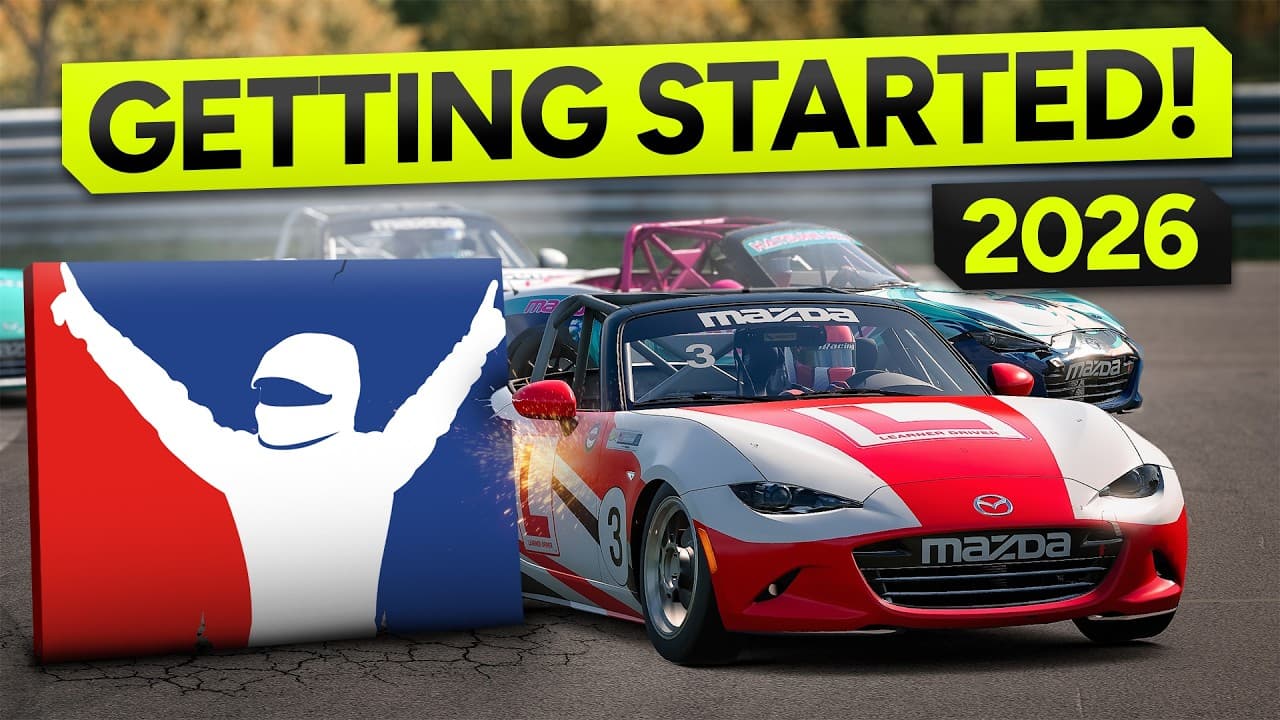
How to get started on iRacing in 2026

The original video this article is built from. A full walk-through of everything covered above.

Join our Irish Pub Community Discord with over 3.4K members.

The Irish Pub would love to have you, we've league races on Thursdays and the craic is mighty. Can't wait to see you there.

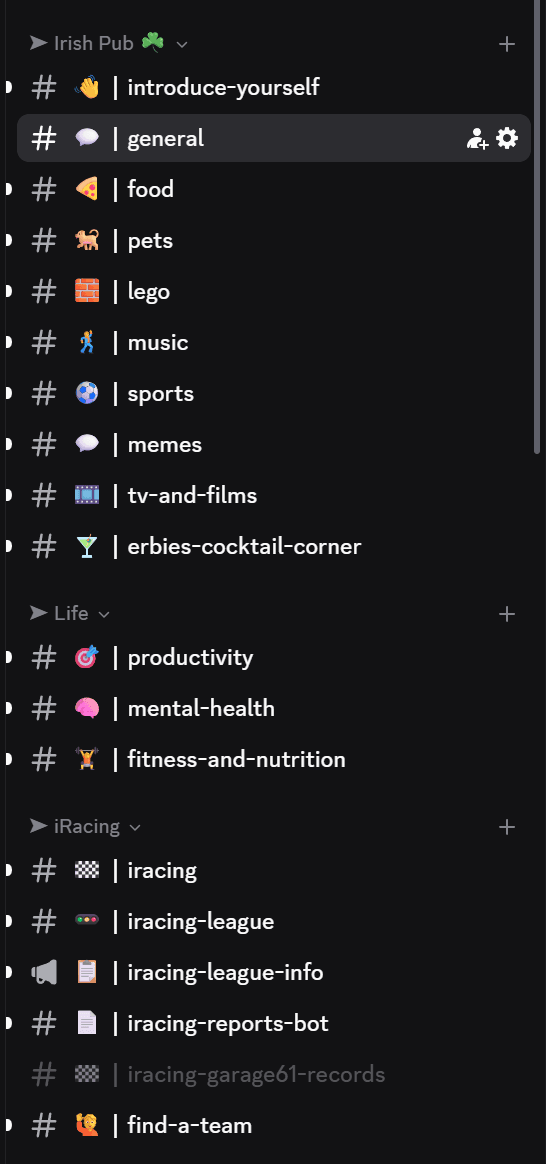
A peek at the JACKZER Discord channel list
JACKZER showing the SIMAGIC Zeus to a young racer

Channel partners