JACKZER

A JACKZER Guide

What's the right force feedback
for you?

Force feedback is one of the most argued-about settings in sim racing. Everyone has an opinion. Most of them contradict each other. This is the guide I wish I'd had when I started, an honest walk through what actually decides the right setting for you, with no spec wars and no marketing copy.

9 min readGuideBeginner to Intermediate

Start here

Force feedback is a conversation,
not a force.

Your hands are ears. The wheel is talking to you. The information it gives you about grip, weight transfer, tyre slip, where the car's limit actually sits, all of it comes through the wheel as a kind of language.

If the wheel is shouting, you can't hear what it's saying. If it's whispering, you can't hear it at all. The job is to find the volume where the car talks to you clearly. That's the whole game.

Everything else in this guide is just figuring out where that volume sits for you specifically.

The volume range

WhisperClarityShouting
WhisperYou can't feel the car. Slides arrive with no warning.
ClarityYou can feel the limit before you cross it. Hands relaxed.
ShoutingThe wheel is fighting you. Hands tired inside half an hour.

The honest variables

Six things that actually decide your setting.

I've been simracing for over a decade and these are the factors that have, every single time, come up when somebody asks me what their force feedback should be. None of them are technical. All of them matter.

  1. 01

    Your strength and your body

    This matters more than people admit. Someone with strong hands and arms can naturally work with more force feedback without it tiring them out or causing them to fight the wheel. Someone with less grip strength, a disability affecting their hands or arms, or anyone who races for long stretches needs to be more conservative.

    Sim racing is for everyone. The right force feedback for a 25 year old with strong hands is different from what suits a 60 year old with arthritis, or someone with limited hand mobility. Neither is wrong. The wheel should work for the person driving it, not the other way round.

    I cranked mine to the maximum for years and wondered why I was fighting the wheel every race. Don't be me.

    Practical

    If your hands or arms feel tired after 20 to 30 minutes, the force feedback is too high. No exceptions.

  2. 02

    Your wheelbase torque rating

    Higher Nm wheelbases give you more range to work with. A 5 Nm entry belt drive and a 25 Nm direct drive are not set up the same way and they shouldn't be compared. Higher torque bases generally run at lower percentage settings. Lower torque bases often need to be pushed higher to feel anything at all.

    The trap I see most often is people buying a high-torque base and assuming they have to run all of it. You don't. The reason you bought it is so you have headroom, not so you can wear yourself out.

    • Belt / Gear

      Up to 5 Nm

      G29, G923, T300, T248

      Run it near the top of its range. These bases need to be pushed to give you anything resembling information through the wheel.

    • Entry Direct Drive

      8 - 12 Nm

      SIMAGIC Alpha Mini, Alpha EVO Sport, Fanatec CSL DD

      You're in the sweet spot for most people. Sit around 60 to 75 per cent of max and adjust from there.

    • Mid Direct Drive

      15 - 20 Nm

      SIMAGIC Alpha EVO Pro, Alpha EVO 18 Nm

      You don't need to use all of it. Start lower than you think, around 50 per cent, and walk it up.

    • High Torque DD

      20 Nm and up

      SIMAGIC Alpha EVO Ultra (28 Nm), Simucube Pro

      Almost nobody should be running these at full chat. 35 to 50 per cent of max torque is plenty for most cars and most people.

    Practical

    Your wheelbase's headline Nm is a ceiling, not a target. Most drivers, including the fast ones, sit comfortably below half of theirs.

  3. 03

    Dynamic range and headroom

    Sits right next to the torque conversation, but it's a separate idea. Worth keeping the two apart.

    Stay with the volume metaphor. Imagine the speakers in two cars. The first car has cheap speakers. Push them anywhere near their limit and the sound falls apart. The bass crumples, the detail smears, anything sitting on top of the music vanishes. The second car has properly capable speakers. At the same volume, the music sounds cleaner, because those speakers aren't anywhere near their limit. They've got headroom. The quiet stays quiet, the loud stays loud, and every little texture survives the trip from the song to your ears.

    Force feedback works the same way. Your wheelbase has a ceiling. The forces your sim wants to send through it have peaks. If those peaks ever reach the ceiling, the wheel outputs its maximum and holds there, which means every bit of detail living on top of that peak gets flattened into a constant force. That's called clipping, and it's the silent killer of fast laps.

    Here's the example that lands it. A high downforce corner. Eau Rouge flat, 130R, anywhere the car is properly loaded up. The wheel goes heavy. Inside that heaviness, you still need to feel the front begin to push, or the rear start to step. Small variations sitting on top of a very big load.

    If your wheelbase is clipping in that corner, the moment you needed the information most is the moment the wheel stops talking. Not stops, exactly. It carries on putting out its maximum, but in a flat line. No variation, no detail, no warning. By the time you've spotted the slide with your eyes, the catch is already gone.

    That's the real argument for a higher torque base. Not the strength, the headroom.

    Same corner, two wheelbases

    Peak load asking for ~12 Nm

    8 Nm baseClipping. No detail.
    20 Nm base40% headroom. Detail intact.

    Same scene, same peak. The 8 Nm base has run out of room to talk. The 20 Nm base still has headroom to add the small signals on top, which is where the warning of a slide actually lives.

    Practical

    Higher torque isn't about feeling stronger, it's about not clipping when the car loads up. If you're on the base you've got, every sim has a way to manage this. iRacing has an on-screen clipping meter and an Auto button that calibrates max force for you. ACC has a Gain slider. Use them. You'll trade a little weight in the average parts of the lap for keeping your detail where it matters most.

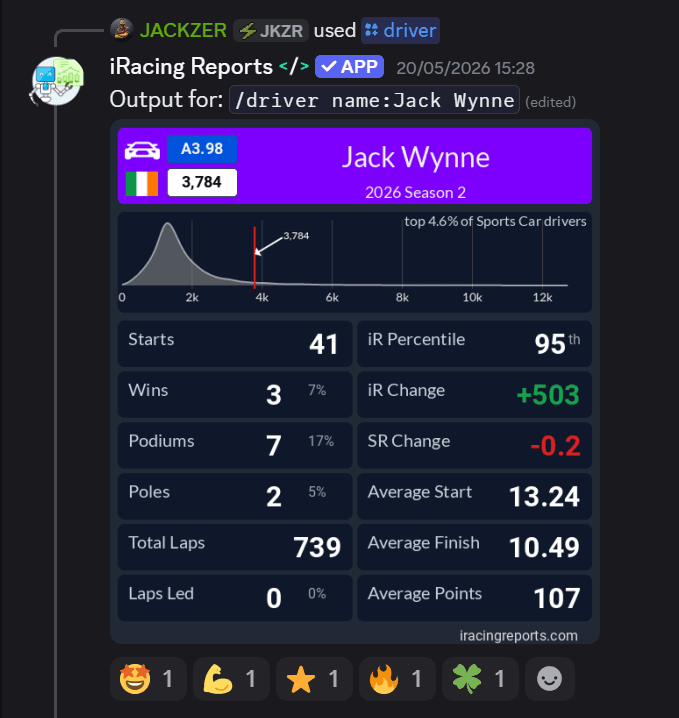
  4. 04

    Your mounting surface, desk or rig

    Critical, and almost nobody talks about it. A wheel clamped to a desk can only take so much force feedback before the desk moves, the clamp slips, or the whole thing starts to wobble. Anything above around 8 Nm on a desk gives you a fighting experience rather than a driving one, because half the force is going into moving the furniture.

    On a proper rig, aluminium extrusion or a dedicated sim frame, the wheel is rigid. The force feedback goes into your hands, not into a vibrating desk. You can run significantly more FFB before it becomes a problem, and the information coming back is far cleaner.

    Practical

    If you're on a desk, lower your FFB until the desk stops moving. Then lower it a little more. If you want to run a higher torque base properly, a rig isn't optional. There's more on this in the desk vs rig section below.

  5. 05

    The type of racing you do

    Open-wheel and formula cars have a completely different force feedback character to GT and touring cars. Rally is different again. Oval is different again.

    Formula cars in iRacing can produce extreme force spikes, especially on kerbs and in low-speed corners. Running high force feedback in a formula car will tire your arms fast, and can cause involuntary corrections at exactly the worst moment. GT and touring cars are generally smoother and more forgiving of higher settings.

    FormulaSpiky on kerbs, run lower
    GT3 / GT4Smooth, forgives more
    TouringFront-driven, lighter loads
    PrototypeHeavy on the front
    RallySurface-sensitive, mid range
    OvalLong load on one side

    Practical

    If you switch between car types regularly, expect to adjust your base settings between sessions. Finding a single perfect number that works for everything is rare and usually a compromise rather than a setting.

  6. 06

    How long your sessions are

    A 10 minute sprint race is a different sport to a 3 hour endurance stint. Settings that feel great for a quick hot lap session will wreck you over a long race. Endurance drivers run noticeably lower settings than sprint drivers, on purpose.

    The body has a budget. Burn it in the first 30 minutes and the last hour of an endurance race becomes a survival exercise. Mistakes pile up, inputs get sloppy, lap times fall off a cliff.

    Practical

    If you do endurance racing, lower your settings until you can complete a full stint without your hands tiring. Then race with that. Don't reset for qualifying.

The simple test

Two quick lists. One should sound familiar.

If you read these and recognise yourself, you've got your direction. Adjust by 10 per cent at a time, drive 5 to 10 laps, and ask the same question again.

Too loud

Signs your FFB is too high

Your hands tire inside half an hour.

You feel jolts and snaps mid-corner that catch you by surprise.

You're fighting the wheel, not working with it.

Your laps are inconsistent because the wheel is driving you, not the other way round.

The wheel feels like it's trying to kill you in fast corners.

Too quiet

Signs your FFB is too low

The car feels floaty or disconnected.

Slides arrive without any warning.

You can't feel when the front is starting to lose grip.

Your lap times might be okay but you feel like you're guessing rather than reading the car.

You're a passenger more than a driver.

The method

How to actually find your setting.

Plain prose this time. No checklist, no formula, no spreadsheet. Just a method that works.

Start lower than you think you need. Much lower. Drive 5 to 10 laps. Pay attention not to how heavy the wheel feels, but to how much information it's giving you. Can you feel the car beginning to understeer? The rear getting light? Are your hands relaxed?

Raise it slowly. Drive more laps. Keep raising it until either the information stops improving, or the wheel starts to feel like it's working against you, whichever comes first.

The setting just below “working against you” is your starting point.

Then leave it for a week and just drive. Don't fiddle. Don't reset it before every session. Don't copy what someone on Reddit is running on a different wheelbase in a different car on a different surface. Drive your setting, on your rig, in your cars, until it stops being an experiment and starts being yours.

A note on the rig

When the desk becomes the bottleneck.

A desk is a perfectly valid place to start. Plenty of fast drivers have spent years on one. There's a ceiling, though, and at a certain point you'll feel the desk fighting back harder than the car is.

Once you're past entry-level torque and you want to actually run a mid or high-end direct drive base, a proper rig is the natural next step. It's not about flexing, it's about not throwing away the benefit of the wheelbase you bought.

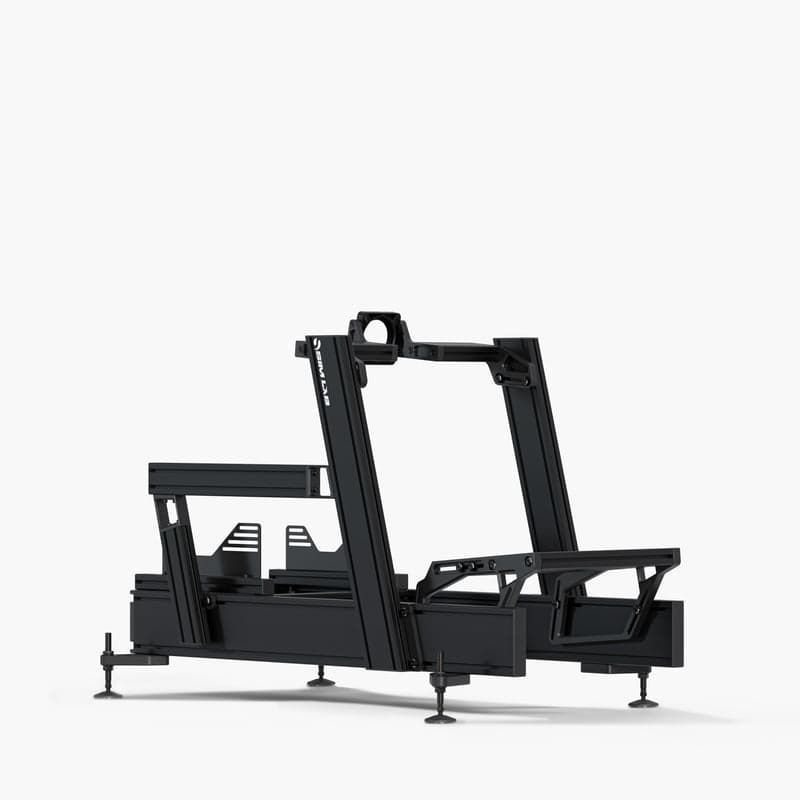
I race on a Sim-Lab P1X Pro. Walkthrough of the full setup, with affiliate links to every piece, is on the Sim-Lab page.

The Sim-Lab P1X Pro cockpit JACKZER races on

My rig, Sim-Lab P1X Pro

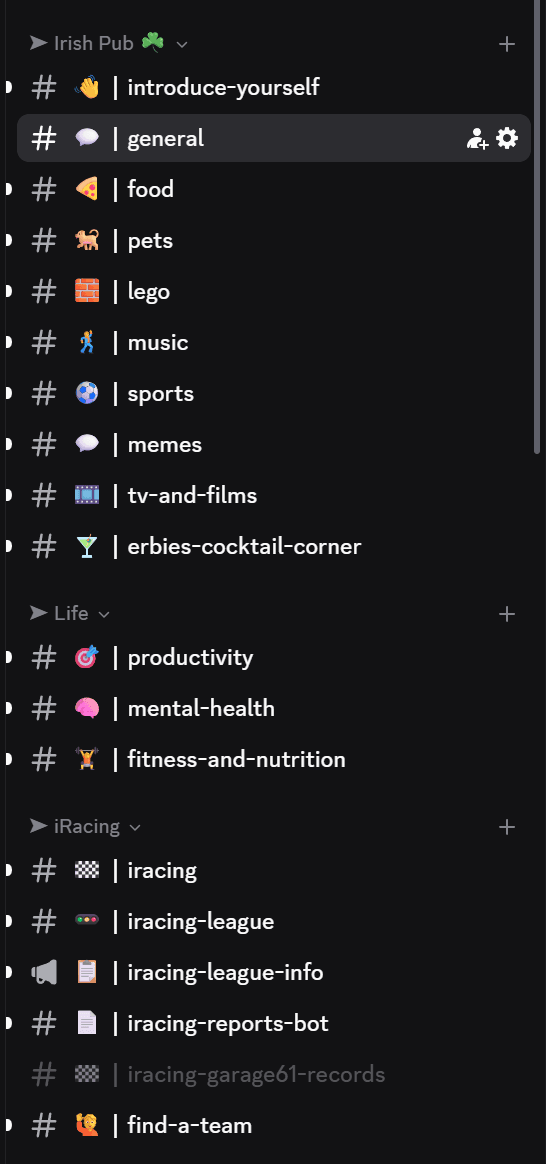
Join our Irish Pub Community Discord with over 3.4K members.

The Irish Pub would love to have you, we've league races on Thursdays and the craic is mighty. Can't wait to see you there.

A peek at the JACKZER Discord channel list
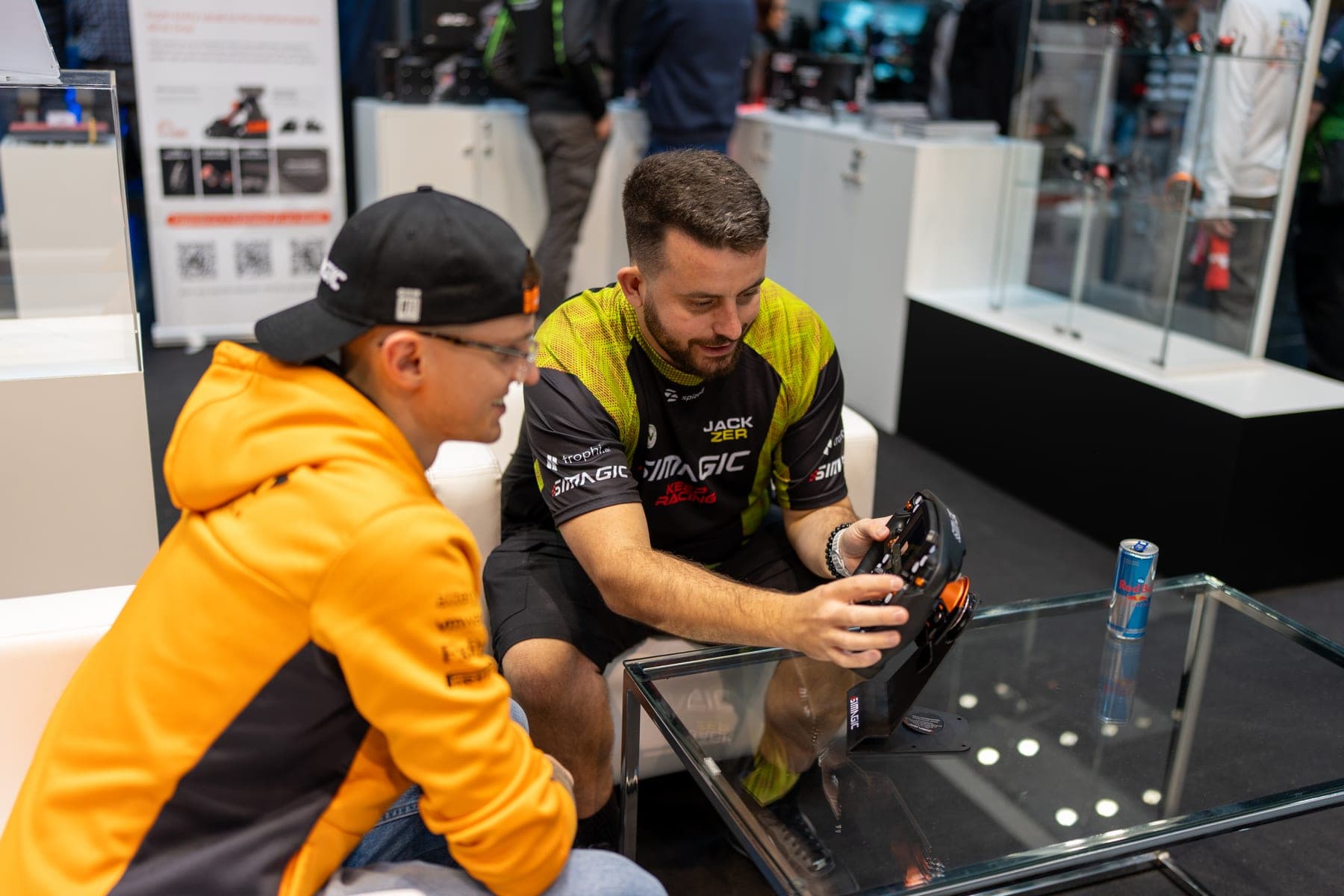
JACKZER showing the SIMAGIC Zeus to a young racer

Channel partners