Custom launcher
Content Manager
How you'll actually open and run Assetto Corsa from now on. Replaces the stock launcher and is the home base for every mod.
Free (Lite)

A JACKZER Guide
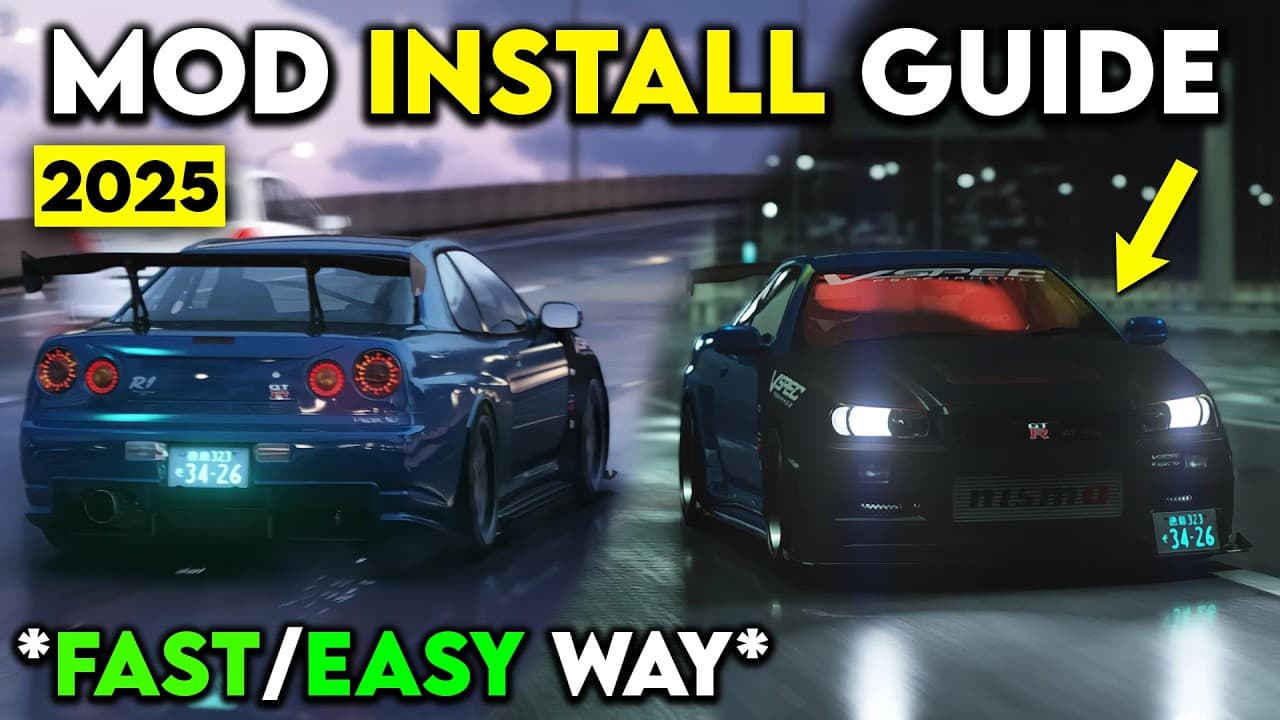
Assetto Corsa with mods is one of the best looking sims out there. Without them it's the launcher you bought on Steam a decade ago. Here's the walkthrough I'd give a mate sat next to me: three essential mods first, then the cars and tracks you actually want.
Start here
Modding Assetto looks intimidating from the outside, but it's really a hundred tiny correct steps. None of them are hard. The order matters, and one missed click can leave you wondering why nothing works.
Three essential mods first, in this order, then the fun stuff on top. Content Manager, Custom Shaders Patch, then either Sol or Pure. After that, cars and tracks become drag and drop.
Take your time. If something looks wrong, scroll back one step. You probably skipped a click.
Your first hour
Rough pacing for a first install session. Slower is fine.
The three essentials
These three sit underneath every car, every track and every multiplayer server you'll touch. Install them in order. Skipping ahead is what breaks things.
Custom launcher
How you'll actually open and run Assetto Corsa from now on. Replaces the stock launcher and is the home base for every mod.
Free (Lite)
CSP, the engine upgrade
Makes the sim look, run, and feel better. Adds hundreds of settings, optimisations and physics fixes. Required by most multiplayer servers.
Free
Weather and lighting
The visual layer. Sol is free and well loved. Pure is newer, paid, and in my opinion the prettier of the two. You only need one.
Sol free / Pure ~€1 a month
Before you start
Two tiny pieces of housekeeping before we touch any mods. These take five minutes between them.
Already installed
Buy it on Steam if you don't already own it. It shows up on sale constantly. We're going to point Content Manager at your installed copy in a minute, so make sure Steam has finished its first download before we begin.
Tool of the trade
Almost every mod you'll download is in a zip, rar or 7z. Grab 7-Zip from the official site. Free, lightweight, the default in the AC modding community. Install it and move on.
One thing worth knowing up front. Mods sit inside your Steam install of Assetto Corsa, so don't verify game files after you've modded unless you know what you're doing. Steam will quietly delete anything it doesn't recognise.
Part one
Content Manager replaces the stock Assetto launcher. It's how you'll start the sim, manage mods, join servers, and configure CSP. Treat it like the front door from now on.
Head to acstuff.club/app. You'll see a Lite version and a full version gated behind an optional donation. The Lite version is free and does everything you need to get going.
Scroll down to the direct download link, grab the file, save it somewhere easy to find.
Right-click the download and open it with 7-Zip. Inside you'll find Content Manager.exe. Drag that single file to a permanent home, the desktop is fine. That file is the program itself, not a shortcut, so don't lose it.
Double-click Content Manager. The first time it opens it'll often warn you that an update is ready and drop a second file next to the original.
Close the program and double-click the update file. It replaces itself, the old one disappears, and you're on the latest version.
In Steam, right-click Assetto Corsa, choose Manage, then Browse Local Files. A Windows Explorer window opens at your AC root folder.
Right-click in the address bar, choose “Copy address as text”, and paste it into Content Manager when it asks where Assetto is installed. If Content Manager already found the right path, you're good.
That means your Steam download isn't complete. In Steam, right-click Assetto Corsa, Properties, Installed Files, then Verify Integrity Of Game Files.
Wait for the check to finish, any missing files get pulled down. Reopen Content Manager and the error clears.
Click Install Recommended Plugins. If it prompts you for SevenZip and CFSharp, accept both. They make modding smoother later. Ignore anything else for now.
Content Manager is your launcher from here on.
Part two
CSP is the extension that turns Assetto Corsa from a ten-year-old sim into a modern one. Better lighting, better physics, hundreds of new settings, and the groundwork for every visual mod that comes after it. It is not optional.
Inside Content Manager, go to Settings > Custom Shaders Patch and click install. It downloads, sets itself up, and the menu fills out with a lot of new options. That is normal and a good sign.
CSP defaults to the recommended safe build. The dropdown lets you switch to the latest untested build, which in practice is fine. Only roll back if a specific server or mod asks for an older one.
Rain lives in the CSP preview build, the paid version on x4fab's Patreon. Around a euro a month gets you a zip you drag onto Content Manager and install like any other mod.
The free safe build is plenty to get started. The preview build is the upgrade once you're hooked.
Bookmark the public CSP page at acstuff.club/patch if you want the changelog and release notes.
Which CSP build?
Roll back only if a specific server or mod says so. Otherwise run the latest.
Part three
These are the weather and lighting mods that make the sky do something. You only need one of them. They both work, I prefer Pure, but Sol still looks brilliant.
The original community weather mod by Peter Boese, hosted free on Overtake. A little older now but still beautiful and well supported.
Pick Sol if you want zero cost, or if you're joining a server that requires it specifically.
Free. Sign in to Overtake to download.
Peter Boese's successor to Sol. Newer, prettier, more flexible, much better default look in my opinion. Available on Peter's Patreon.
Costs about a euro a month. Cancel any time. You also get Pure Config and Pure Planner, the two in-sim apps for setting time and weather, which alone are worth it.
Around €1 a month. The pick if you can afford it.
Sign in on Overtake, grab the Sol download. Open the archive with 7-Zip.
Inside the archive, open the “Sol” folder. Copy the four inner folders plus the uninstall.bat file and drop them straight into your Assetto Corsa root folder, the same one Steam opened for you earlier.
Back in Content Manager, go to Settings > Custom Shaders Patch > Weather Effects and set Weather Style to Sol. Then go to Assetto Corsa Settings > Python Apps and toggle them all on.
Final step, Drive > Weather Controllers > Sol (whatever version number you have). Sol is live.
Subscribe on Peter Boese's Patreon, scroll down to the download link, choose the high-res version.
Open the archive with 7-Zip. Inside the “Pure” folder you'll see two files and four folders, plus uninstaller helpers for older versions you can ignore. Drop the two files and four folders into your Assetto Corsa root folder.
In Content Manager, Settings > Custom Shaders Patch > Weather Effects, set the style to Pure LCS rather than Pure Gamma. LCS supports linear colour space shaders and is the version most people in the know recommend.
Then Drive > Weather > Controllers > Pure. Done.
Reminder, rain is not in Sol or Pure on its own. Rain requires the paid CSP preview build sitting alongside whichever weather mod you chose.
Visual polish
Two quick tweaks that move the picture from “decent” to “people will ask if it's real life”.
In Assetto Corsa Settings > Video > Post-processing you'll see a Filter dropdown. Sol ships with its own, Pure ships with Pure Candy. Try both. Candy is my default.
Want something custom? Overtake has a whole library. Try Categories > Assetto Corsa > AC Misc > Most Downloads and grab Natural Mod PP. Drop the inner system folder contents into your AC root's system folder, mirroring the structure exactly.
Still in Video Settings, scroll down to Mirrors. Set it to anything that isn't static. Both Sol and Pure recommend Two faces per frame.
If you're struggling for framerate, drop to one face per frame. If you're on a strong rig, push higher. Static mirrors look like a screenshot and make traffic harder to read.
One rule for installing any zipped mod manually. Folders go in next to matching folders. Never drop a cars folder inside an existing cars folder. Drop it next to it, so it merges. Same rule for content. This trips up almost every beginner.
Part four
The essentials are in. Now we layer on the content. With Content Manager installed this becomes drag and drop in most cases.
Two places I'd start. If you want the friendly, curated entry point, head to SimFoundry. It's a hand-picked directory of the actually-good mods, sorted by Cars, Tracks and Tools, free to browse, updated daily. Less overwhelming than Overtake's full library when you're new.
Once you know what you're after, Overtake (formerly RaceDepartment) is the deep well, AC Cars, AC Tracks, skins, apps, the lot. Pick a section, browse, hit download. You'll get a rar or zip file either way.
Drag and drop that file straight onto Content Manager. A confirmation window pops up, click Install and the mod is in your library a second later. Tracks work the same way.
If a mod refuses to install through that route, you do it manually. Open the archive with 7-Zip. Inside you'll see folders that mirror the structure of your AC install, things like content, cars, drivers, fonts.
Drop those folders into your AC root folder so they merge with the matching ones already there. Folders sit beside folders, never inside the one of the same name. Most install issues come from getting this wrong.
That's the loop. Browse, download, drag, install. Cars first, tracks next, skins after that.
In-sim
Once you're on track, the apps page is where the control lives. Time of day, weather, presets, the CSP checklist, all of it.
Pure Config
Master settings for Pure. Holds the quality presets and the Pure Checklist that audits your CSP.
Apps page, in-sim. Comes with Pure.
Pure Planner
Sets time of day and weather. Sunset, rain (with the CSP preview build), thunderstorm, all of it.
Apps page, in-sim. Comes with Pure.
Sol Config
The Sol equivalent. Same idea, time and weather control plus visual tweaks.
Apps page, in-sim. Comes with Sol.
Once you're in the sim, swipe to the apps page. On triples it's in the far right of the right screen. Open Pure Config and Pure Planner (or the Sol equivalent if you went that way).
Pure Config holds the master quality presets and the Pure Checklist, which double-checks every CSP setting is correct. If your install looks off, run the checklist first.
Pure Planner sets the time of day and weather. Sunset at the Nordschleife with a light drizzle is two clicks away. If you have the CSP preview build, rain is a toggle here too.
Give yourself a quick controller pass before you test. Wheel range, throttle, brake, clutch, shifters, the basics.
Bolt-ons
None of these are required. They make life a lot easier once you're hooked.
7-Zip
FreeFree archive tool. Every mod you'll touch is in a zip, rar or 7z. This is the one almost every modder defaults to.
SimFoundry
FreeA curated, beginner-friendly directory of AC mods. Cuts the noise so you're not staring at ten thousand half-finished WIP cars on day one.
Overtake.gg account
FreeFree account, biggest library of free AC cars, tracks, skins and apps. The deep well once you know what you're after.
CSP preview build
Paidx4fab's Patreon build of Custom Shaders Patch. Unlocks rain, extra weather features and fresh experimental work.
Natural Mod PP filter
FreeA post-processing filter on Overtake. Free, dramatic look upgrade, plays nicely with both Sol and Pure.
Pure Config and Pure Planner
PaidTwo in-sim apps that ship with Pure. Time of day, weather presets, quality presets and the CSP settings checklist.
A note on the people behind the mods
Assetto Corsa exists in 2026 because a tiny group of people have donated thousands of hours to keep it alive. x4fab, Peter Boese, the Overtake mod authors, none of them are doing this full time and most of them charge less for a year than a single AAA game.
If you find yourself getting hours of joy out of this stuff, throw a euro or two at whichever creator made the part you love most. The CSP Patreon, the Pure Patreon, Content Manager's donation page. Any of them. They keep the lights on for the whole hobby.
You can run everything in this guide for free. Just know who's carrying it on their shoulders.
Install-complete checklist
Keep going
Everything below is something I personally use or wrote. Affiliate links are marked the same way they are everywhere else on the site.
Related guides
What's the right FFB for you?
Once Assetto Corsa is set up, this is the next conversation. The macro guide to feeling the car properly.
ReadHow I Setup My FFB
Slider-by-slider walkthrough, applies to AC, iRacing and ACC alike.
ReadiRacing Beginner's Guide
If you're stepping into the other half of the sim world, this is where to start.
ReadGear that matters here

The full SIMAGIC bundle deal. Direct-drive base, wheel and pedals at the lowest price of the year.

From the GT1 EVO to motion-ready P1-X frames, Sim-Lab kit handles whatever a direct-drive base throws at it.
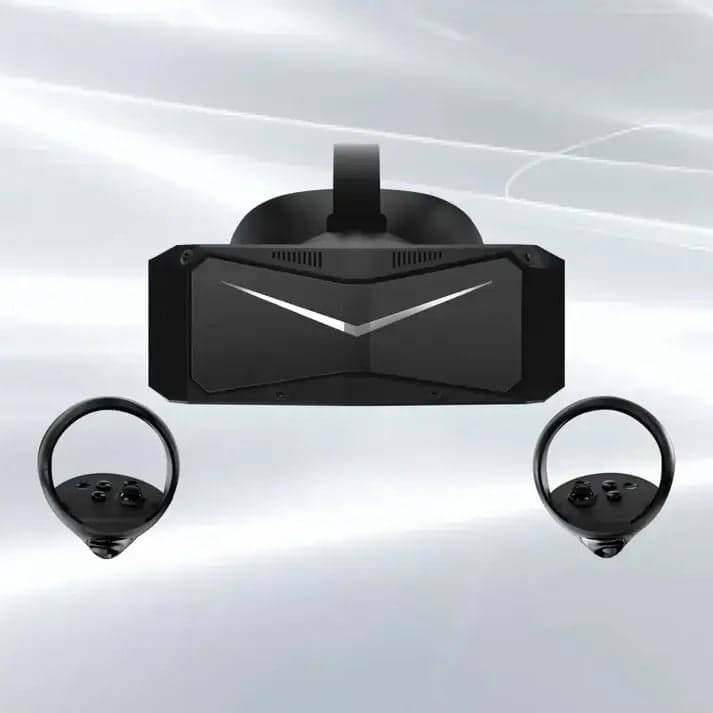

High-res PC VR built for sim and flight. Three Crystal variants, all with the JACKZER code.

German-engineered wheels with proper switchgear and quality housings. Featured: the Ascher Artua Ultimate.
Watch the video version
All videos on YouTubeHow to install mods on Assetto Corsa
The full original walk-through this article is built from. Everything covered above, on screen, step by step.
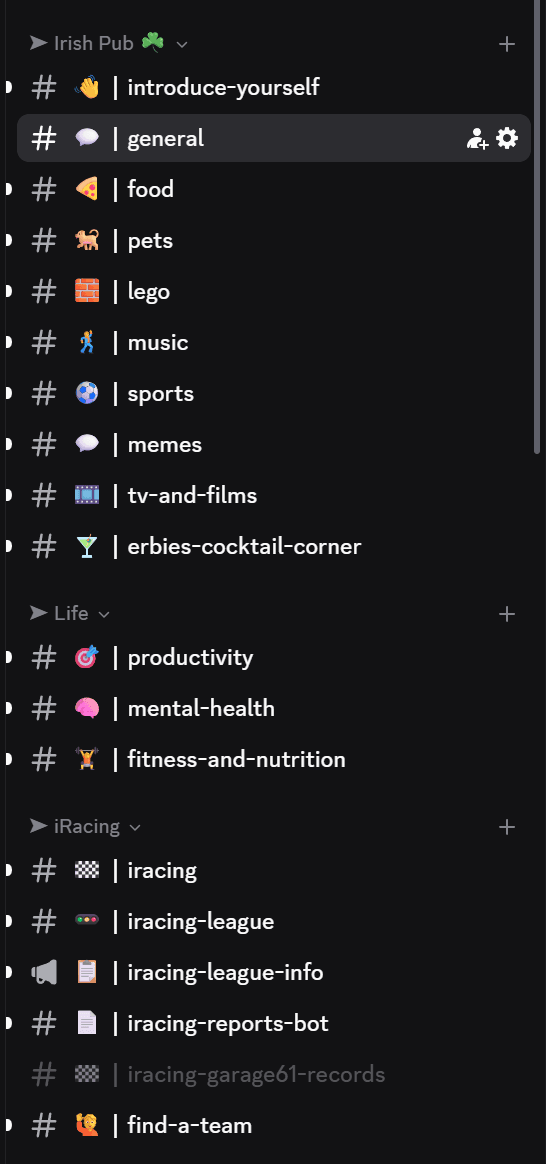
The Irish Pub would love to have you, we've league races on Thursdays and the craic is mighty. Can't wait to see you there.
Channel partners